Introduction
The Apple Magic Keyboard is one of the most popular wireless keyboards designed specifically for Apple users. Known for its minimalistic design, premium build quality, and seamless integration with macOS and iPadOS, it has become a favorite among professionals, students, and everyday users.
If you’re looking to upgrade your workspace or improve your typing experience, this keyboard often comes up as a top recommendation. But is it really worth the price?
In this detailed review, we’ll break down everything you need to know — from design and performance to battery life and real-world usability.
If you’re building a clean and productive workspace, pairing the right Apple Magic Keyboard with your setup is essential. According to Apple official accessories overview, Apple designs its accessories to work perfectly within its ecosystem — and the Magic Keyboard is no exception.
Table of Contents
1. Design & Build Quality
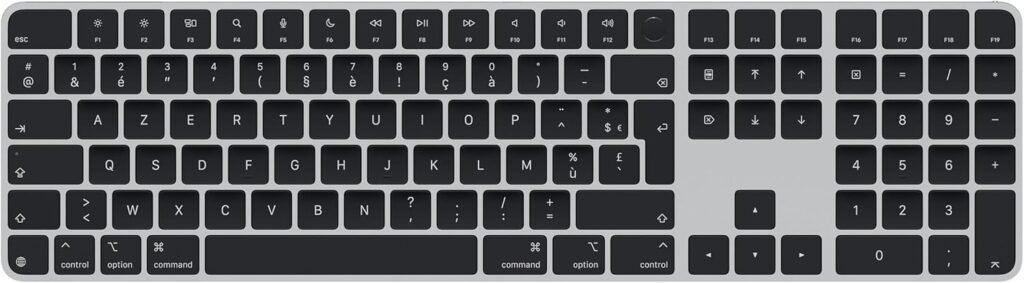
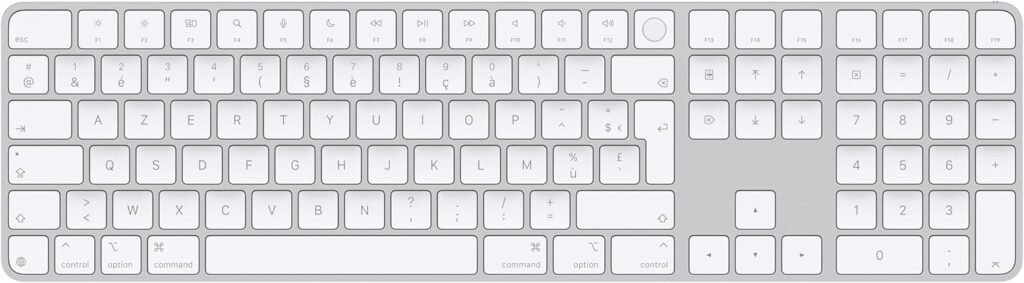
The Apple Magic Keyboard stands out immediately with its ultra-slim and clean design. It features a low-profile aluminum body that feels both lightweight and durable.
The minimalist aesthetic matches perfectly with MacBooks, iMacs, and iPads. Apple’s attention to detail is clear — from the smooth edges to the perfectly spaced keys.
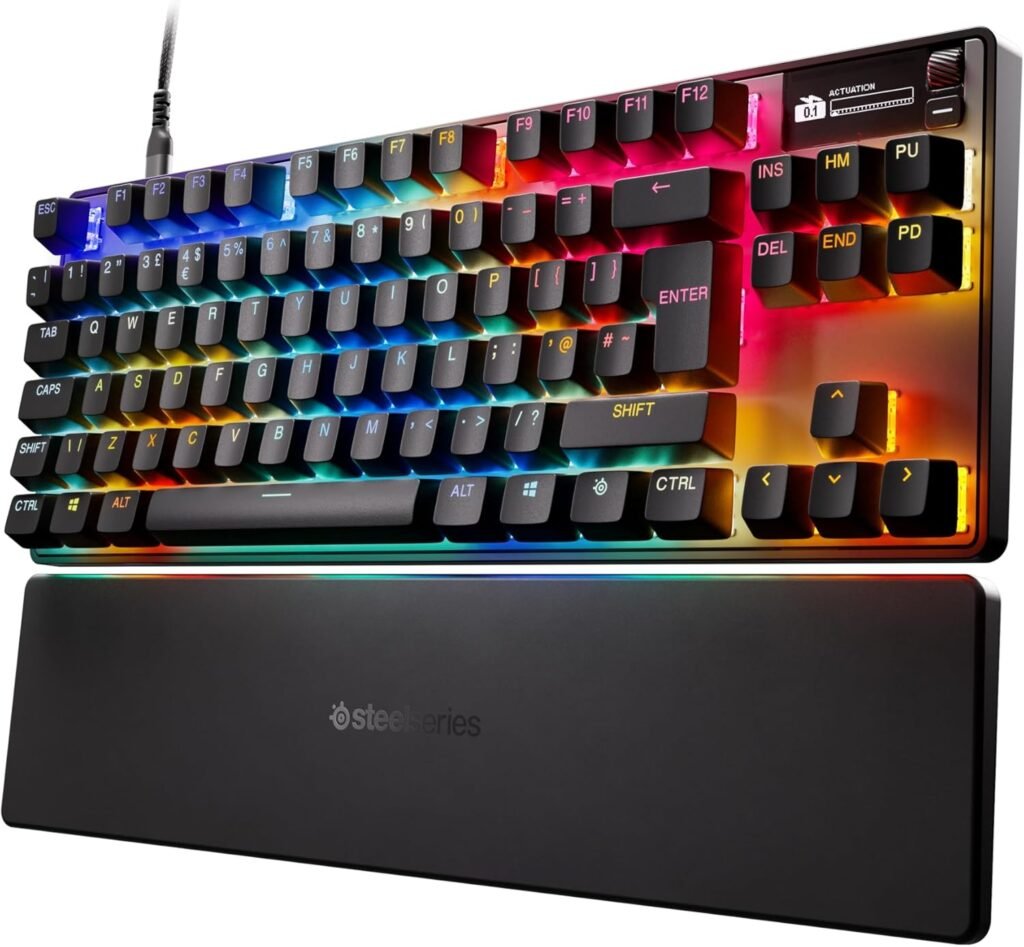
The Apple Magic Keyboard is available in different versions:
- Standard Magic Keyboard
- Magic Keyboard with Numeric Keypad
- Magic Keyboard for iPad (with trackpad)
Each version maintains the same premium look and feel.
Key Design Highlights:
- Ultra-thin profile
- Aluminum finish
- Compact layout
- Clean, Apple-style aesthetic
2. Typing Experience
Typing on the Apple Magic Keyboard is one of its strongest points. It uses a scissor-switch mechanism, which provides a stable and precise typing experience.
Unlike older butterfly keyboards, this one offers:
- Better key travel
- Less noise
- Improved comfort
The keys feel responsive and consistent, making it ideal for long typing sessions.
Whether you’re writing emails, coding, or creating content, the typing experience remains smooth and enjoyable.
3. Compatibility
One of the biggest advantages of the Apple Magic Keyboard is its seamless compatibility with Apple devices.
It works perfectly with:
- MacBook
- iMac
- Mac Mini
- iPad
- iPhone
Thanks to Apple’s ecosystem, pairing is instant and effortless. Once connected, the Apple Magic Keyboard automatically syncs with your Apple ID devices.
4. Battery Life
Battery performance is another area where the Magic Keyboard shines.
It comes with a built-in rechargeable battery that can last up to one month or more on a single charge.
Battery Features:
- Long-lasting performance
- Fast charging via Lightning cable
- Low power consumption
You don’t have to worry about constantly replacing batteries or charging frequently.
5. Connectivity
The Magic Keyboard uses Bluetooth technology for wireless connectivity. The connection is stable, fast, and reliable.
Pairing is extremely simple:
- Turn on the keyboard
- Connect via Bluetooth
- Start typing instantly
There is almost no noticeable lag, which makes it suitable even for professional work.
6. Portability
If you travel often or work in different locations, portability matters — and this keyboard delivers.
Its lightweight and slim design make it easy to carry in a backpack or laptop sleeve.
Why it’s portable:
- Thin and compact
- Lightweight aluminum body
- No bulky components
It’s perfect for students, freelancers, and remote workers.
7. Special Features
The Apple Magic Keyboard includes several useful features that enhance productivity.
Notable Features:
- Function keys for brightness, volume, and media
- Smooth key stability
- Automatic device recognition
- Optional Touch ID (on some models)
The Touch ID feature is especially useful for:
- Unlocking your Mac
- Making secure payments
- Logging into apps quickly
For more details about Apple keyboard features, check:
Magic Keyboard specifications
8. Performance in Daily Use
In real-world use, the Magic Keyboard performs exceptionally well.
Whether you’re:
- Writing articles
- Browsing the web
- Editing documents
- Coding
The keyboard remains responsive and reliable.
There are no delays, no connection drops, and no discomfort even after long hours of use.
It’s designed for consistency — and it delivers.
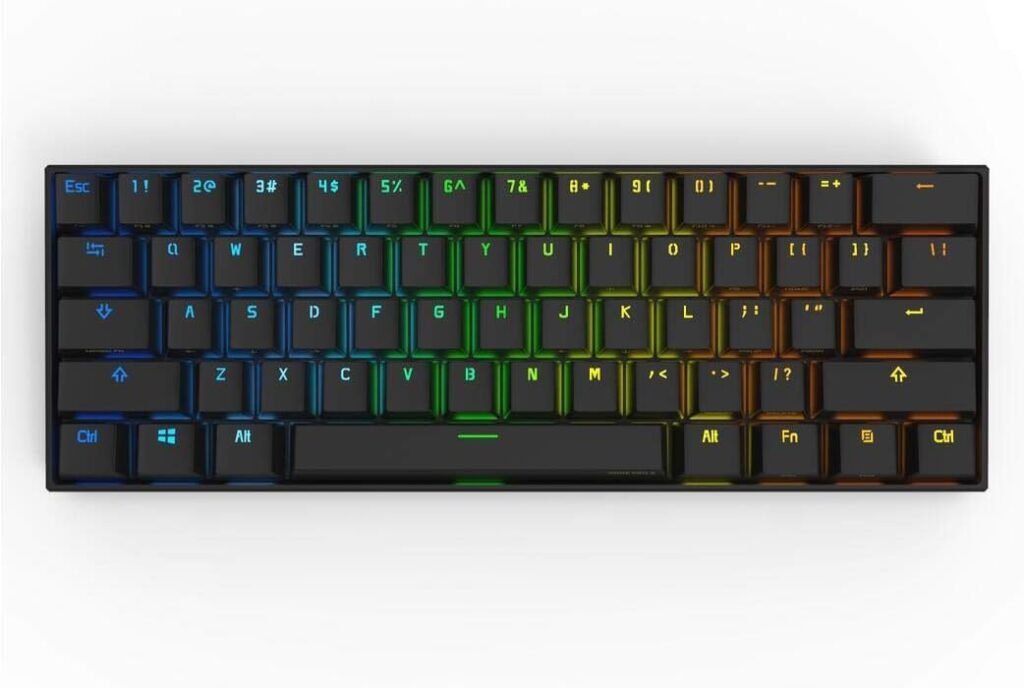
9. Comparison with Other Keyboards
When compared to other wireless keyboards, the Magic Keyboard stands out in several ways:
Compared to Mechanical Keyboards:
- Quieter
- More portable
- Less tactile feedback
Compared to Budget Keyboards:
- Better build quality
- Longer battery life
- More reliable connection
Compared to Logitech Keyboards:
- Better Apple integration
- Cleaner design
- Simpler user experience
However, some users may prefer alternatives if they want:
- Backlighting
- Multi-device switching buttons
- Lower price
10. Price & Value
The Apple Magic Keyboard is not cheap — and that’s something you should consider.
Price Range:
- Standard version: Mid-range
- Numeric keypad version: Higher
- iPad version: Premium
Is it worth it?
Yes, if you:
- Use Apple devices daily
- Value design and simplicity
- Want long-term reliability
No, if you:
- Need advanced customization
- Want RGB lighting
- Are on a tight budget
Pros & Cons
Pros:
- Premium build quality
- Excellent typing experience
- Long battery life
- Seamless Apple integration
- Lightweight and portable
Cons:
- Expensive compared to competitors
- No backlit keys (standard version)
- Limited customization
- Only optimized for Apple devices
Conclusion
The Apple Magic Keyboard is a perfect example of Apple’s philosophy: simplicity, quality, and seamless integration.
It may not have flashy features like RGB lighting or deep customization, but it excels where it matters most — typing comfort, reliability, and design.
If you’re already in the Apple ecosystem, this keyboard is one of the best choices you can make. It enhances productivity while maintaining a clean and professional workspace.
For users outside the Apple ecosystem, there may be better and more affordable options.
Overall, the Magic Keyboard is a solid investment for anyone who values quality and efficiency.
FAQ
1. Is the Apple Magic Keyboard worth it?
Yes, especially for Apple users who want a premium and reliable typing experience.
2. Does the Magic Keyboard work with Windows?
Yes, but some keys and features may not function perfectly.
3. How long does the battery last?
Up to one month or more on a single charge.
4. Does it have backlighting?
No, the standard Magic Keyboard does not include backlit keys.
5. Can I use it with an iPad?
Yes, it works perfectly with iPads, especially the iPad-specific version.