If your workflow revolves around precision, color accuracy, and screen real estate, your monitor becomes your most important tool. After spending time with the BenQ PD3205U DesignVue, we can confidently say this display is built for professionals who want consistency, simplicity, and a clean desk setup.
This isn’t a flashy gaming monitor — it’s a serious productivity machine designed to make long work sessions smoother and more efficient.
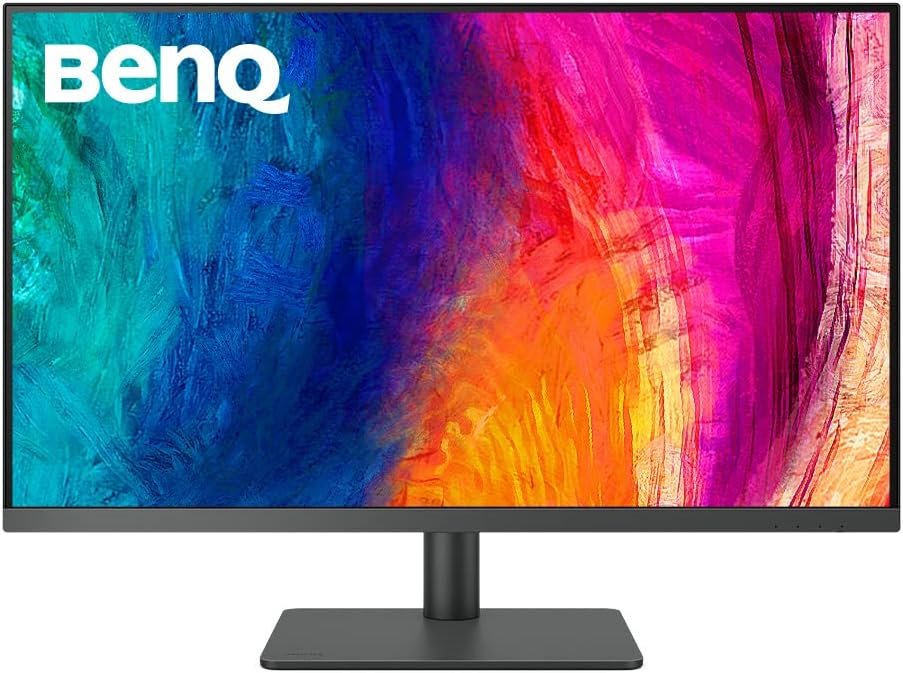
Table of Contents
The IPS Black Advantage
Let’s clarify something important right away.
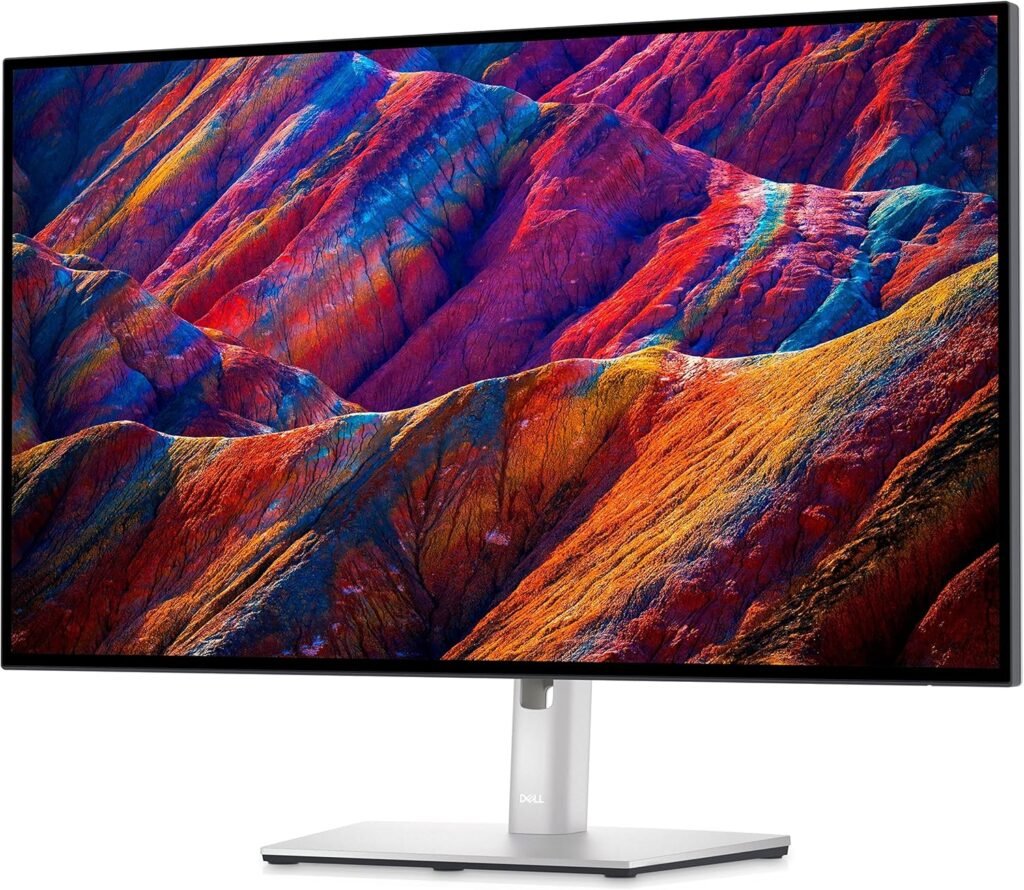
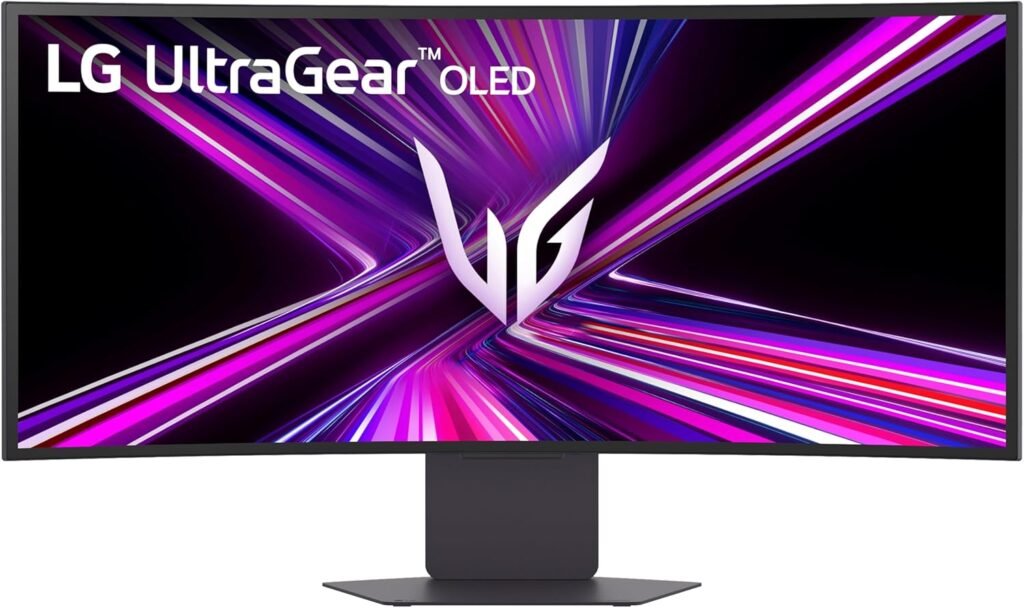
The BenQ PD3205U does not use IPS Black technology, but understanding IPS Black helps put this monitor into context.
- IPS Black monitors ≈ 2000:1 contrast
- BenQ PD3205U ≈ 1000:1 contrast
So yes — blacks here are not as deep as IPS Black panels. In darker environments, you’ll notice that blacks lean slightly toward dark gray rather than true black.
But here’s the key:
👉 This BenQ PD3205U monitor is optimized for color accuracy, not deep contrast
And in that area, it performs extremely well:
- Factory-calibrated (Rec.709 & sRGB)
- Consistent color reproduction across the panel
- Excellent for:
- Photo editing
- UI/UX design
- Content creation
Another key factor here is panel uniformity and consistency over time. In extended use, the BenQ PD3205U maintains stable brightness and color across the entire screen, which is critical for professional work. Unlike some lower-end panels, you won’t notice uneven lighting or color shifts when moving windows around. This level of consistency is what makes it reliable for tasks like photo editing and UI design where precision matters.
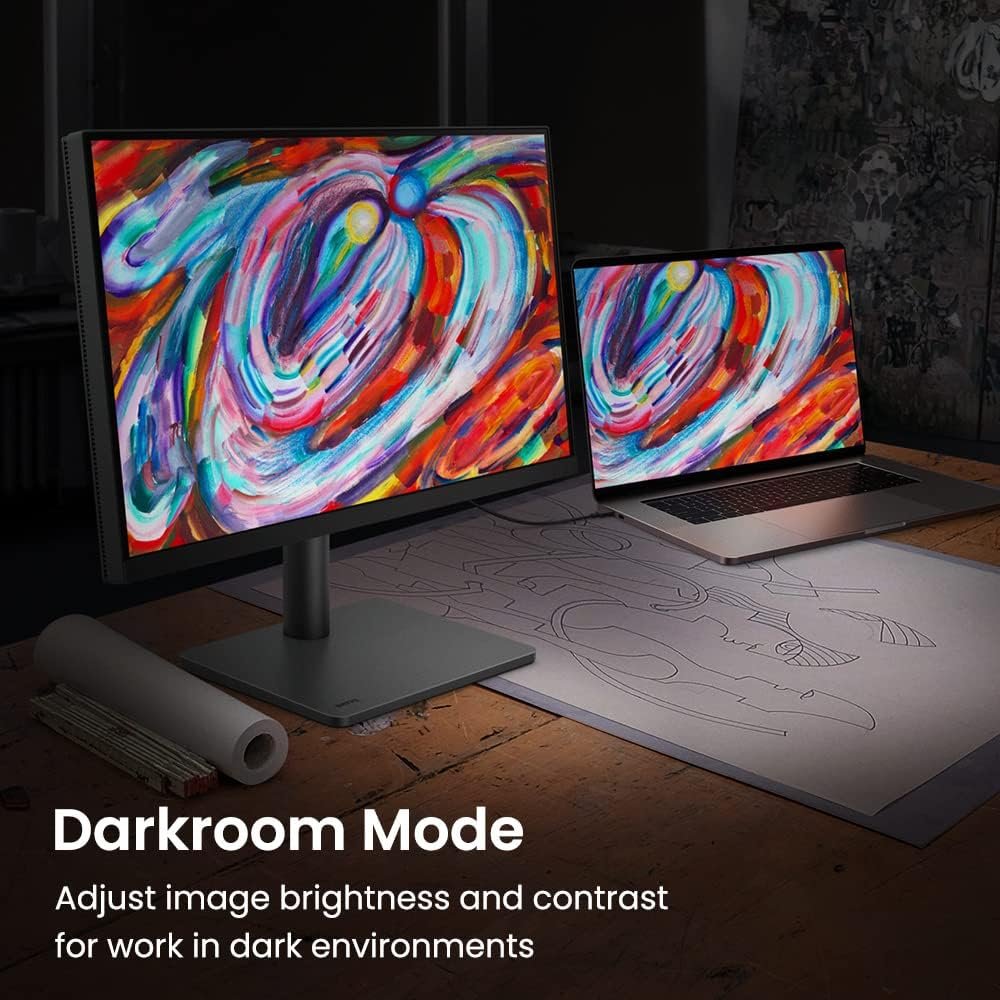
For most professional workflows, accuracy matters more than contrast, and that’s exactly where this display delivers.
If you’re aiming for a clean, distraction-free workspace, it fits perfectly into setups like
👉 Best Desk Setup Ideas
Design & Connectivity
This is where the BenQ PD3205U really becomes a workspace upgrade.
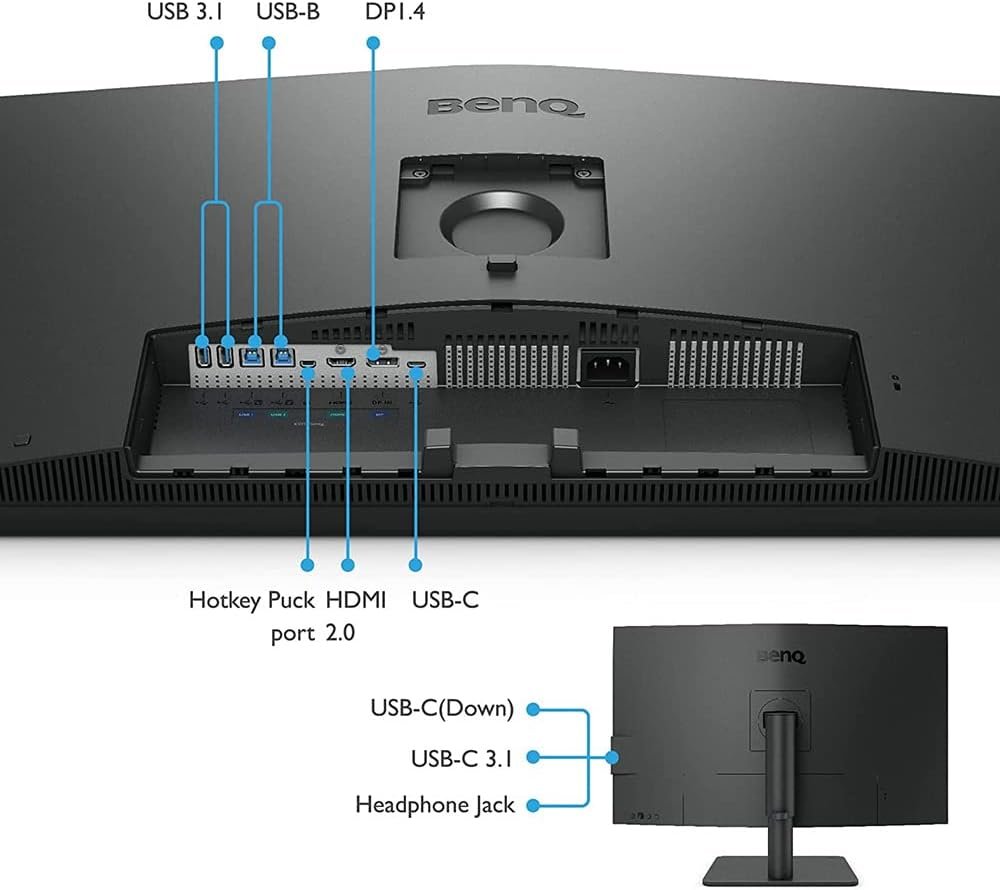
The inclusion of a KVM switch is a massively underrated feature. If you’re working with both a laptop and a desktop, you can control both devices using the same keyboard and mouse without reconnecting cables. In real workflows, this saves time and keeps your desk clean, especially when combined with the USB-C single-cable setup.
Build & Ergonomics
- 32-inch 4K display (ideal size for productivity)
- Minimal, professional design
- Fully adjustable stand (height, tilt, swivel, pivot)
It feels purposeful — everything is designed to support long work sessions.
The Hub Experience (One Cable Setup)
This is BenQ PD3205U of the strongest features of this monitor.
- USB-C with 90W Power Delivery
- Built-in USB hub
- KVM switch (control two devices with one keyboard/mouse)
- HDMI + DisplayPort
👉 With a single USB-C cable, you get:
- Charging
- Display
- Data
This is huge for laptop users — especially if you’re using a MacBook or switching between devices.
Your desk becomes:
- Cleaner
- Simpler
- More efficient
Real-World Performance
Office & Productivity
- 4K resolution = extremely sharp text
- Ideal for spreadsheets, documents, multitasking
- Comfortable for long hours
Coding & Development
- More vertical space than ultrawide monitors
- Clean text rendering
- Excellent for long code sessions
Creative Work
- Reliable color accuracy out of the box
- Great for:
- Photo editing
- UI design
- Content workflows
This isn’t a “cinematic” display — it’s a trustworthy professional tool.
Who Should Buy This?
You SHOULD buy this if:
- You’re a designer, developer, or creative professional
- You use a USB-C laptop (MacBook or Windows)
- You want a minimalist, efficient workspace
- You prioritize accuracy over visual effects
Pairing it with a keyboard like
👉 Logitech MX Keys S Review
creates a perfect productivity setup.
You should NOT buy this if:
- You’re a gamer looking for high refresh rates
- You want deep blacks like OLED or IPS Black
Let’s be honest:
👉 60Hz is perfect for work — but not enough for competitive gaming
Pros & Cons
✅ Pros
- Excellent color accuracy (factory calibrated)
- Sharp 4K resolution
- USB-C with 90W charging
- Built-in KVM + hub (great workflow features)
- Clean, professional design
❌ Cons
- Contrast lower than IPS Black
- Blacks are not very deep
- 60Hz refresh rate
- Premium price
One thing we always evaluate is long-term usability, and this monitor performs well in that regard. The combination of ergonomic adjustments, eye-care technologies, and stable color performance makes it suitable for long daily sessions without fatigue. It’s not trying to impress with flashy features — instead, it focuses on delivering a dependable experience day after day, which is exactly what professionals need.
Final Verdict
The BenQ PD3205U DesignVue doesn’t try to impress with flashy specs.
Instead, it focuses on what actually matters:
👉 accuracy, simplicity, and workflow efficiency
If you’re building a serious workspace and want a monitor that just works — reliably, cleanly, and professionally — this is one of the best choices in 2026.
Rating: 9 / 10