In modern workflows, productivity is no longer just about speed—it’s about workspace efficiency. A larger canvas, better multitasking, and accurate colors can dramatically improve how we work. That’s exactly where ultrawide monitors like the LG UltraWide 34WN80C-B Review 2026 come in.
With its 34-inch curved QHD panel (3440×1440) and USB-C connectivity, this monitor targets professionals who want a clean, cable-free setup without sacrificing visual quality.
Table of Contents
The IPS Black Advantage
Let’s address this honestly: the LG 34WN80C-B does NOT use IPS Black technology—and that matters.
Instead, it uses a standard IPS panel, typically delivering around 1000:1 contrast ratio.
What does that mean in real usage?
- Blacks appear slightly greyish in dark scenes
- Contrast is good, but not deep
- Shadow detail is present, but not as punchy as IPS Black panels
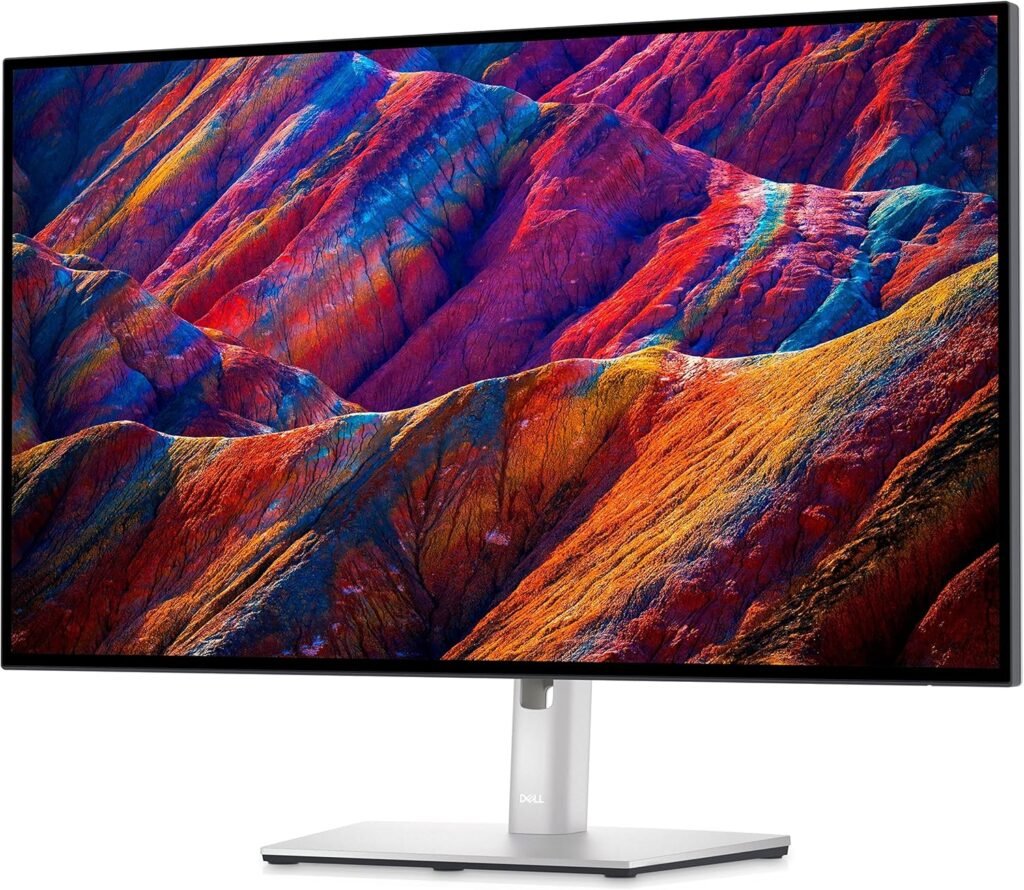
Compared to newer IPS Black displays (like Dell’s UltraSharp line), the difference is noticeable—especially if you work in darker environments or rely heavily on contrast accuracy.
Is it good for photo editing?
Yes—with some context:
- 99% sRGB coverage → excellent for web design and general editing
- Color consistency is strong across the ultrawide panel
- Factory calibration is decent for non-critical work
However, if your workflow depends on deep blacks and high contrast grading, this panel won’t match IPS Black or OLED.
For a clean and immersive ultrawide setup—similar to those featured in Best Desk Setup Ideas—this monitor still delivers a fantastic visual experience, especially for bright environments.
Design & Connectivity
LG UltraWide 34WN80C-B Review 2026 keeps things minimal and functional here.
Build & Ergonomics
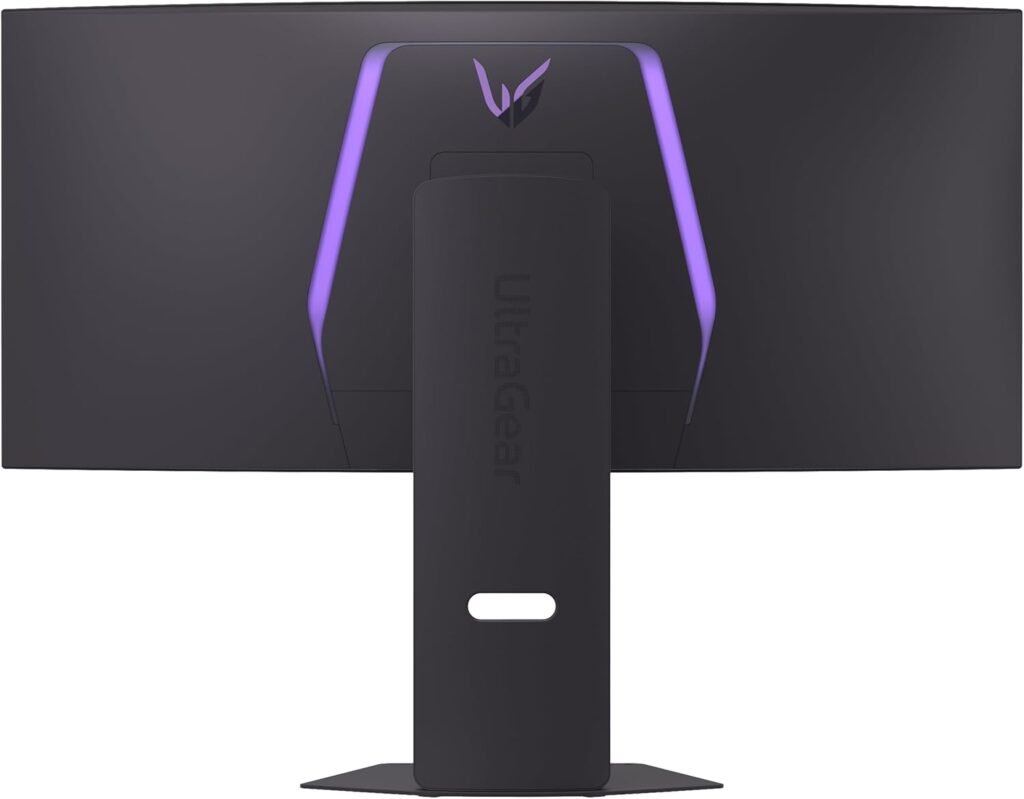
- Subtle matte black finish
- Slim bezels → ideal for immersive viewing
- Height and tilt adjustments (no swivel/pivot due to ultrawide form)
The curvature (1800R) adds comfort by reducing head movement across the wide screen.
USB-C Hub Experience
This is where the LG UltraWide 34WN80C-B Review 2026 becomes highly practical.
With a single USB-C cable, you get:
- Up to 60W charging (sufficient for most ultrabooks and MacBook Air)
- Display signal (3440×1440)
- Data transfer
Ports include:
- USB-C (main input)
- 2× USB-A
- HDMI
- DisplayPort
⚠️ Note: No Ethernet port here—unlike higher-end hub monitors.
Real-world benefit:
You plug in one cable, and your laptop is powered, connected, and ready. It’s a clean, minimalist desk setup with zero clutter.
Real-World Performance
Office & Multitasking
This is where ultrawide shines.
- Easily replace dual monitors
- Run multiple windows side-by-side (browser, docs, Slack, etc.)
- Timeline-based workflows (Excel, project management) feel natural
Coding
- Horizontal space is excellent for:
- Split editors
- Terminal + code view
- Curvature helps reduce eye movement fatigue
Creative Work
- LG UltraWide 34WN80C-B Review 2026 Great for:
- UI/UX design
- Lightroom workflows
- Content creation
But keep expectations realistic:
- Not ideal for HDR or contrast-heavy grading
- Limited compared to IPS Black or mini-LED panels
Gaming
- 60Hz refresh rate
- No advanced gaming features
It’s fine for casual gaming—but serious gamers will find it limiting. This is clearly a productivity-first display.
Who Should Buy This?
TheLG UltraWide 34WN80C-B Review 2026 is ideal for users who prioritize workspace efficiency and simplicity over cutting-edge display tech.
Best suited for:
- Professionals & remote workers → multitasking boost
- Developers → wide coding environment
- Mac users → seamless USB-C workflow
- Content creators (non-HDR)
Pairing it with a premium keyboard like the Logitech MX Keys S Review creates a highly efficient productivity setup—especially for long work sessions.
Including high-quality images of the LG UltraWide 34WN80C-B Review 2026 significantly improves how users understand the product before purchasing. We recommend showcasing real-world desk setups, side profiles, and close-ups of the panel to highlight color accuracy and curvature. Visual context helps visitors evaluate build quality, screen immersion, and workspace integration much faster than text alone, especially for ultrawide monitors where proportions matter.
If possible, the LG UltraWide 34WN80C-B Review 2026 ,integrating a short video demonstration further enhances engagement. A quick walkthrough of the USB-C single-cable setup, multitasking scenarios, and on-screen performance gives users a clearer idea of daily usability. Video content not only increases time on page but also builds trust, as visitors can see the monitor in action rather than relying solely on specifications.
Pros & Cons
✅ Pros
Our LG UltraWide 34WN80C-B Review 2026
- Large 34” ultrawide workspace (great for multitasking)
- Accurate colors (99% sRGB)
- USB-C connectivity with 60W charging
- Clean, minimalist design
- Immersive curved display
❌ Cons
- No IPS Black → limited contrast (~1000:1)
- 60Hz refresh rate (not for gaming)
- No Ethernet port
- Limited ergonomic adjustments
Final Verdict
The LG UltraWide 34WN80C-B isn’t trying to compete on cutting-edge panel technology—it’s built to improve how you work.
You get:
- A massive, efficient workspace
- Solid color accuracy
- A convenient USB-C setup
But you trade off:
- Deep contrast
- High refresh rates
If your focus is productivity, multitasking, and a clean desk setup, this monitor delivers real value.
Rating: 8.5/10
👉 [View Latest Deals on Amazon]