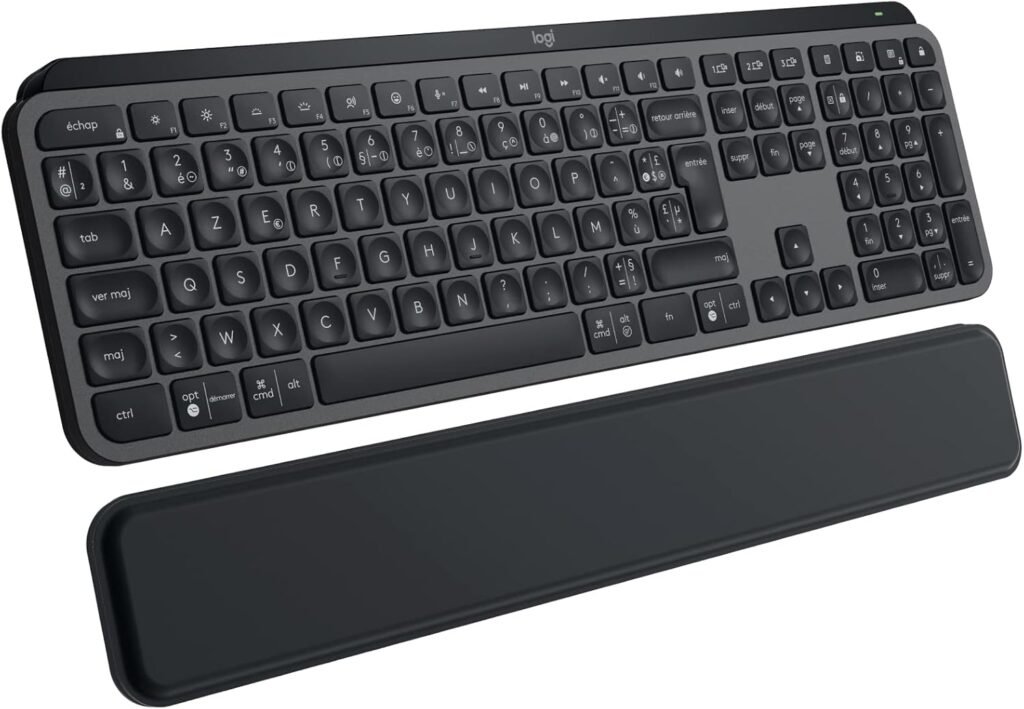
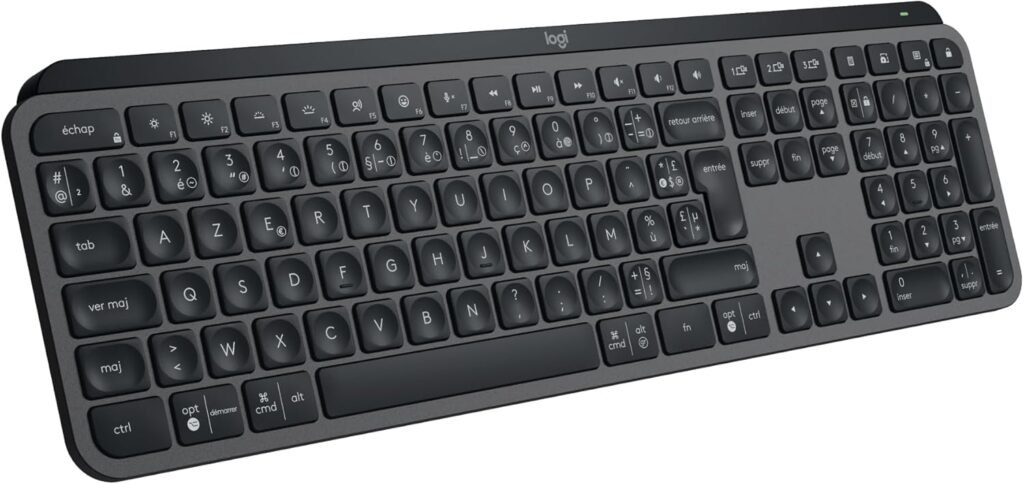
The Logitech MX Keys S is one of the best wireless keyboards designed for productivity, comfort, and premium performance. Built for professionals, creators, and remote workers, it offers a smooth typing experience combined with smart features that improve efficiency.
In this article, we’ll explore 10 powerful reasons why the Logitech MX Keys S stands out, and why it might be the perfect keyboard for your desk setup.
Table of Contents
Introduction
If you’re looking for a keyboard that combines performance, comfort, and modern design, the Logitech MX Keys S is a top-tier choice. It’s designed for users who spend long hours typing and need a reliable, high-quality keyboard.
Whether you’re working, coding, or writing, this keyboard helps you stay focused and productive.
1. Premium Typing Experience
The Logitech MX Keys S delivers one of the best typing experiences available.
- Low-profile keys
- Perfect key travel
- Smooth and responsive
Typing feels natural and precise, reducing fatigue during long sessions.
2. Smart Backlighting
The Logitech MX Keys S features intelligent backlighting:
- Lights up when your hands approach
- Adjusts brightness automatically
- Saves battery efficiently
3. Multi-Device Connectivity
You can connect up to 3 devices:
- Laptop
- Tablet
- Smartphone
👉 Switch instantly between devices
4. Sleek Minimalist Design
The MX Keys S has a clean and modern design:
- Slim profile
- Premium finish
- Perfect for aesthetic setups
5. Long Battery Life
Battery performance is impressive:
- Up to 10 days with backlight ON
- Up to 5 months with backlight OFF
6. Perfect for Productivity
This keyboard is built for efficiency:
- Fast typing
- Reduced errors
- Comfortable layout
👉 Ideal for work and office setups
7. Quiet and Comfortable Typing
The keys are designed to be quiet:
- Minimal noise
- Soft keystrokes
- Great for shared spaces
8. USB-C Fast Charging
Modern charging system:
- USB-C port
- Quick recharge
- No need for batteries
9. Strong Build Quality
Built with premium materials:
- Durable frame
- Solid feel
- Long-lasting performance
10. Great Value for Professionals
While it’s not the cheapest option, the value is excellent:
- High-end features
- Reliable performance
- Professional-grade quality
11. Advanced Productivity Features
The Logitech MX Keys S is packed with smart features that enhance productivity. It includes customizable keys that allow you to assign shortcuts for your most-used applications. This saves time and makes your workflow faster and more efficient, especially for professionals who rely on speed and accuracy.
12. Seamless Device Switching
Switching between devices is incredibly smooth with the MX Keys S. With just one button, you can move from your laptop to your tablet or smartphone instantly. This feature is perfect for multitaskers who work across multiple devices throughout the day.
13. Ergonomic and Comfortable Design
The keyboard is designed with ergonomics in mind. Its low-profile keys and slight tilt help maintain a natural hand position, reducing strain on your wrists. This makes it ideal for long working hours without discomfort.
14. Perfect for Minimalist Desk Setups
If you love clean and aesthetic desk setups, the MX Keys S fits perfectly. Its slim design, neutral colors, and soft backlighting make it a great addition to any modern workspace. It enhances both the look and functionality of your desk.
Best Alternatives
If you want to compare:
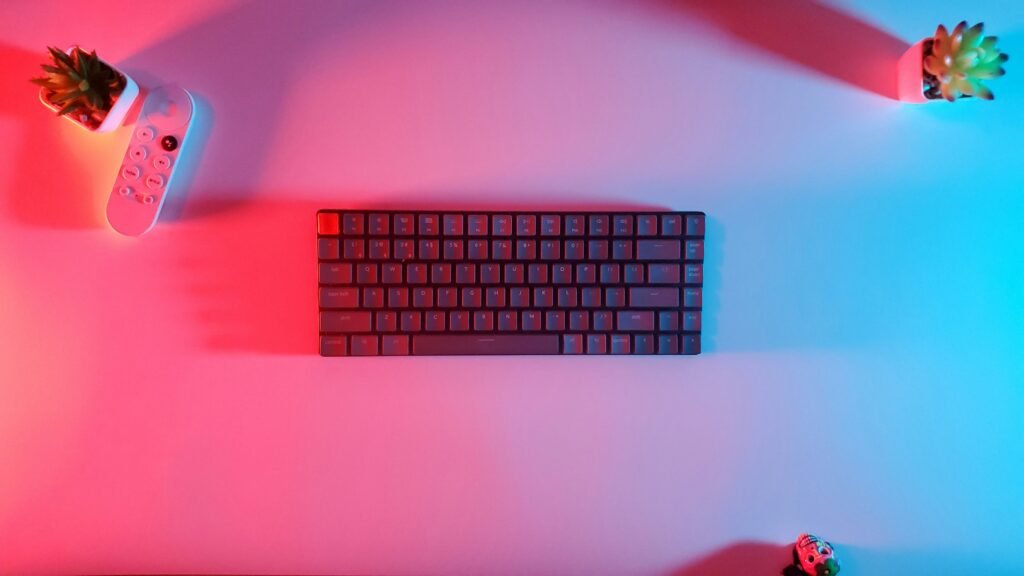
- Keychron K6 Wireless
- Apple Magic Keyboard
- Logitech K780
Pros & Cons
✅ Pros:
- Excellent typing experience
- Smart backlighting
- Multi-device support
- Premium design
- Long battery life
❌ Cons:
- Expensive
- No mechanical switches
- Limited customization
The Logitech MX Keys S also stands out for its exceptional stability and precision during typing. Each key is carefully designed to provide a satisfying tactile response without being too loud, making it perfect for both home and office environments. This level of precision helps reduce typing errors and allows you to work faster and more efficiently.
Another major advantage is the MX Keys S compatibility with multiple operating systems. Whether you’re using Windows, macOS, or even Linux, the MX Keys S adapts without any complicated setup. This flexibility makes it a great choice for users who switch between devices regularly or work in multi-platform environments.
In addition, the Logitech MX Keys S integrates seamlessly with productivity tools and workflows. From writing documents to editing content or managing spreadsheets, the keyboard enhances your overall performance. The shortcut keys and intuitive layout save time and make everyday tasks smoother.
Finally, the MX Keys S is built with sustainability in mind. Logitech has incorporated eco-friendly materials in its design, making it a more responsible choice compared to many other keyboards on the market. This means you’re not only investing in performance and comfort but also making a smarter environmental decision. 🌱🔥
Conclusion
The Logitech MX Keys S is one of the best keyboards for productivity and professional use. With its premium design, smart features, and exceptional typing comfort, it stands out as a top choice for modern workspaces.
If you want a reliable MX Keys S that improves your workflow and enhances your desk setup, the MX Keys S is definitely worth it.
FAQ
1. Is Logitech MX Keys S worth it?
Yes, especially for professionals and heavy typists.
2. Is it good for gaming?
It’s better suited for productivity than gaming.
3. How long does the battery last?
Up to 10 days with backlight ON and 5 months without it.