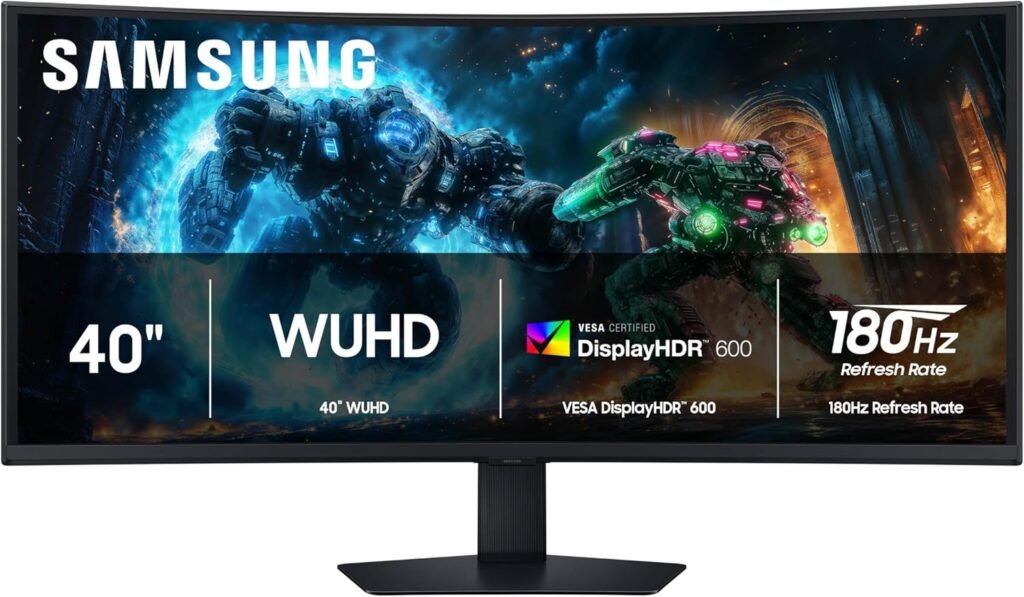
In today’s hybrid workflows, choosing the right monitor isn’t just about resolution—it’s about speed, immersion, and color performance. The Samsung Odyssey G7 stands out as a high-refresh-rate QHD display designed primarily for gaming, but many users are now considering it for productivity as well.
With its 240Hz refresh rate, aggressive 1000R curvature, and VA panel, the Odyssey G7 promises both responsiveness and deep contrast—but does it hold up as a serious workspace monitor?
Table of Contents
The IPS Black Advantage
Let’s be clear: the Samsung Odyssey G7 does NOT use IPS Black technology. Instead, it features a VA (Vertical Alignment) panel, which behaves very differently.
Contrast & Black Levels
This is where the Samsung Odyssey G7 actually shines.
- ~2500:1 to 3000:1 contrast ratio
- Deep, rich blacks (much better than standard IPS)
- Excellent performance in dark scenes and dim environments
Compared to IPS Black (~2000:1), VA panels like this can deliver even deeper blacks, making it great for immersive content and gaming.
Color Accuracy
- Good color coverage (around 95% DCI-P3)
- Vibrant and punchy out of the box
- Slight color shift at extreme angles (typical VA behavior)
Is it good for photo editing?
Partially:
- Great for contrast-heavy visuals
- Not ideal for color-critical professional work due to:
- Viewing angle limitations
- Less consistent color uniformity than IPS
For clean, aesthetic setups like those in Best Desk Setup Ideas, the Samsung Odyssey G7 looks stunning—but it’s more about immersion than absolute color precision.
Design & Connectivity
Samsung went bold with the Odyssey Samsung Odyssey G7—and it shows.
Build & Design
- Aggressive 1000R curve → wraps around your field of view
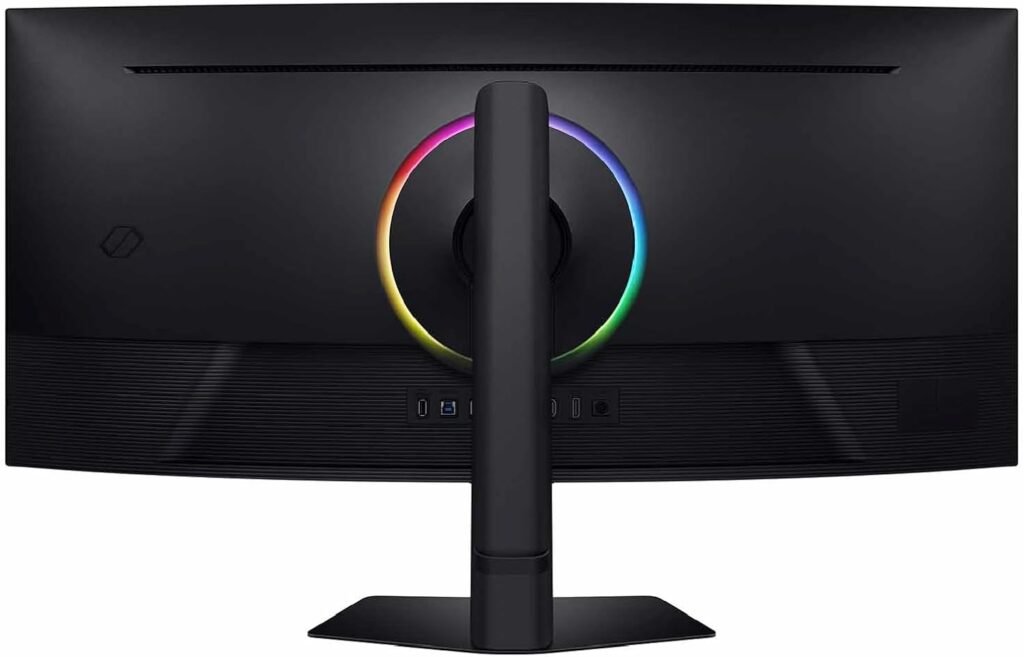
- Futuristic design with RGB lighting at the rear
- Solid stand with height, tilt, and pivot adjustments
This isn’t a minimalist monitor—it’s designed to stand out.
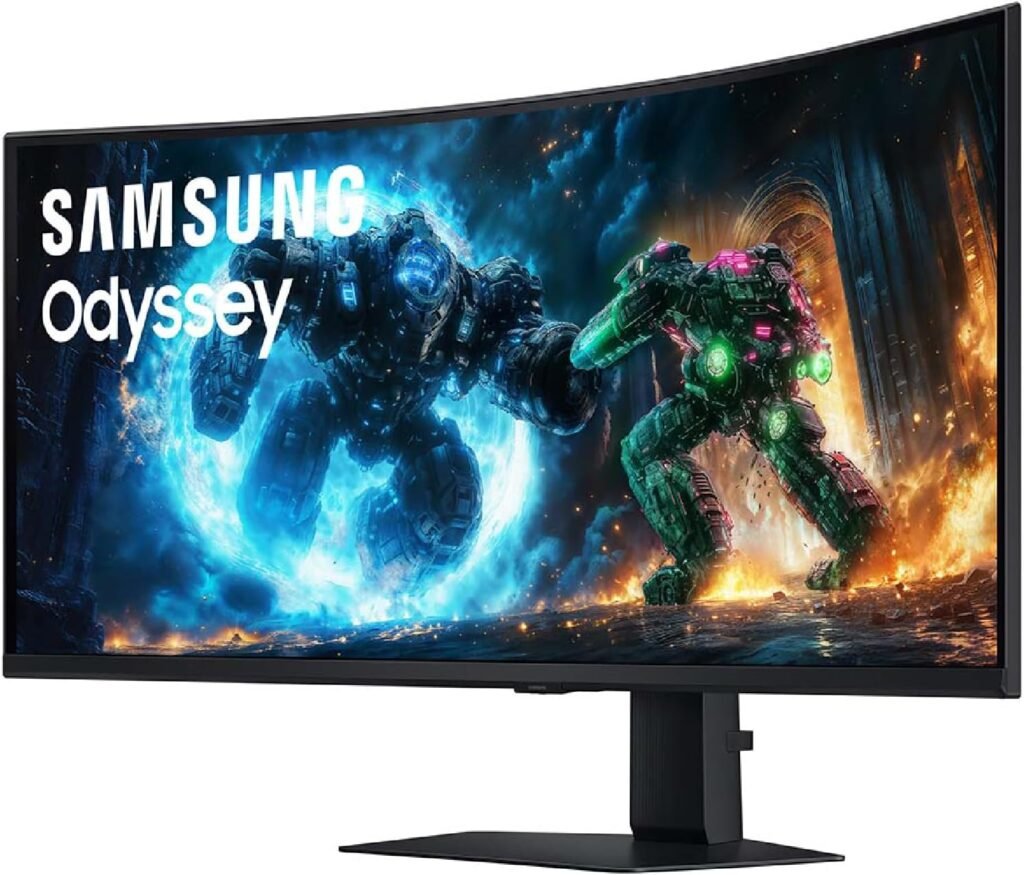
One important aspect to consider with the Samsung Odyssey Samsung Odyssey G7 is its 1000R curvature, which is significantly more aggressive than most monitors on the market. In daily use, this curvature enhances immersion, especially in gaming and media consumption, by aligning more naturally with the human field of view. However, for productivity tasks like spreadsheets or design work, we found that it can slightly distort straight lines at the edges until your eyes adapt. Over time, most users get used to it, but it’s something to be aware of if you’re coming from a flat panel.
Connectivity
Here’s where things are more limited compared to productivity-focused monitors:
- DisplayPort + HDMI
- USB hub (basic)
⚠️ No USB-C with power delivery
⚠️ No Ethernet port
The “Hub” Experience (Reality Check)
Unlike monitors designed for workstations, the Odyssey Samsung Odyssey G7 does not support a true single-cable USB-C setup.
- No one-cable charging + display solution
- You’ll likely need a dock for laptops
Real-world impact:
Your desk won’t be as clean or efficient as with USB-C hub monitors. This is clearly a performance-first display, not a workspace hub.
Real-World Performance
Office & Productivity
Surprisingly good—with caveats:
- QHD resolution (2560×1440) is sharp, but less dense than 4K
- Curvature can feel immersive—or slightly excessive for spreadsheets
- Large screen space improves multitasking
Coding
- Smooth scrolling thanks to 240Hz refresh rate
- Dark mode looks excellent due to deep blacks
- Curve may take time to adjust for long code lines
Another detail worth mentioning is motion handling and responsiveness, even outside of gaming. The 240Hz refresh rate doesn’t just benefit gamers—it makes everyday interactions feel smoother, from scrolling through long documents to navigating complex timelines. Combined with the fast response time, this creates a noticeably more fluid experience compared to standard 60Hz or even 144Hz displays. While it may not directly boost productivity in measurable terms, it does improve overall comfort and perceived speed during long working sessions.
Creative Work
- Strong contrast makes visuals pop
- Not ideal for:
- Professional color grading
- Print-accurate workflows
Gaming (Where it dominates)
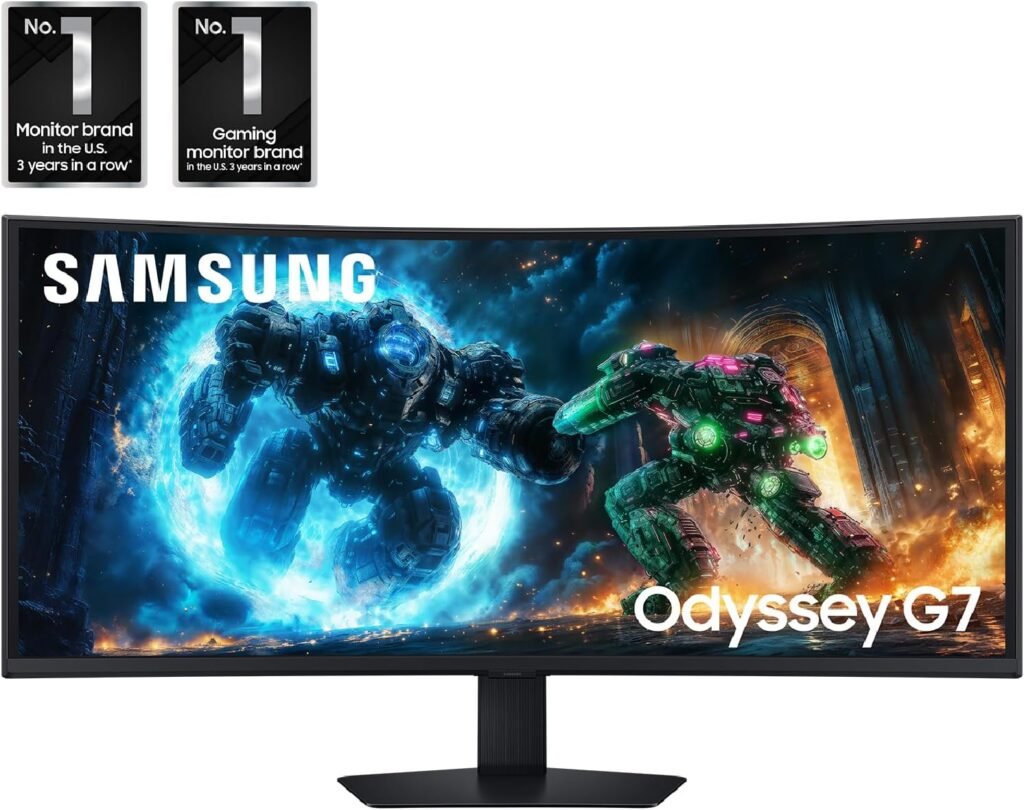
- 240Hz + 1ms response time
- G-Sync Compatible + FreeSync Premium Pro
- Extremely fluid and responsive
This is one of the best gaming experiences you can get in this class.
Who Should Buy This?
Samsung Odyssey G7is built for users who prioritize performance and immersion over minimalism.
Best suited for:
- Gamers → primary audience
- Hybrid users → work + gaming setup
- Content consumers → movies, media
Less ideal for:
- Pure productivity setups
- Mac users needing USB-C simplicity
- Color-critical professionals
If you want to balance this setup for productivity, pairing it with a keyboard like the Logitech MX Keys S Review can help create a more efficient workflow—even on a gaming-focused display.
Pros & Cons
✅ Pros
- Very high contrast (≈2500–3000:1)
- 240Hz refresh rate (ultra-smooth experience)
- Deep blacks (better than IPS)
- Immersive 1000R curve
- Excellent gaming performance
❌ Cons
- No IPS Black (different strengths)
- No USB-C hub / no single-cable setup
- Not ideal for professional color work
- Design may be too aggressive for office setups
Final Verdict
The Samsung Odyssey G7 is not trying to be a productivity king—it’s built to deliver one of the best gaming experiences available, and it absolutely succeeds.
For work:
- Good, but not optimized
For gaming:
- Exceptional
If your priority is speed, immersion, and contrast, this is a top-tier choice. But if you want a clean, all-in-one workspace solution, there are better options.
Rating: 8.7/10