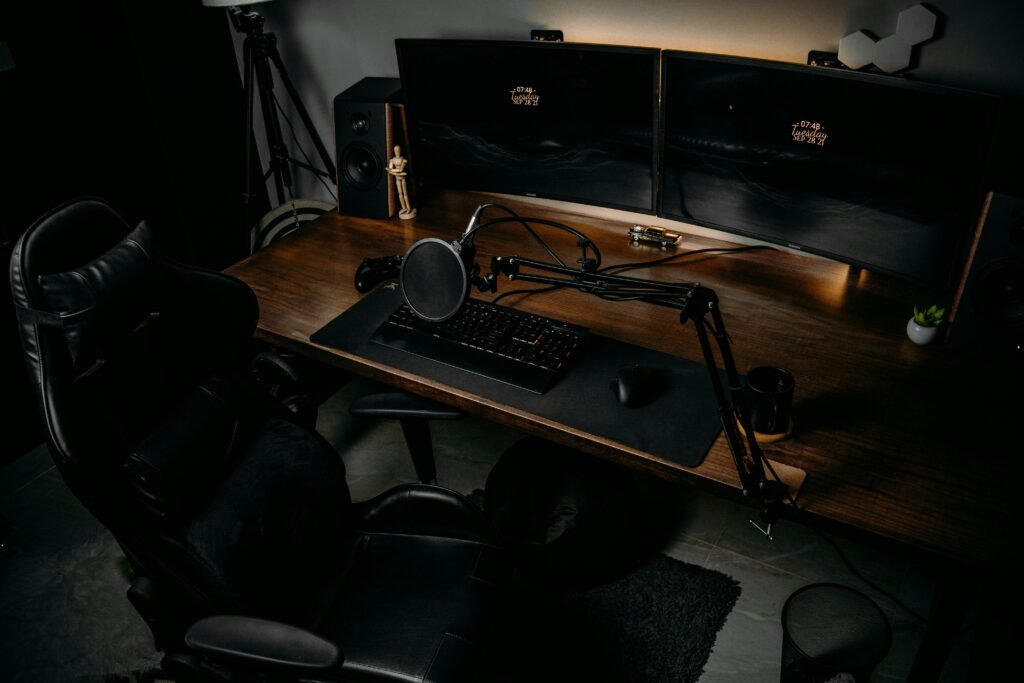
The line between gaming and productivity monitors is getting blurry—and the MSI MAG274QRF-QD sits right in the middle of that shift.
This is a 27-inch 1440p display built for speed (165Hz) and color performance (Quantum Dot). But the real question is:
Can it replace a productivity monitor—or is it just a gamer’s tool?
Table of Contents
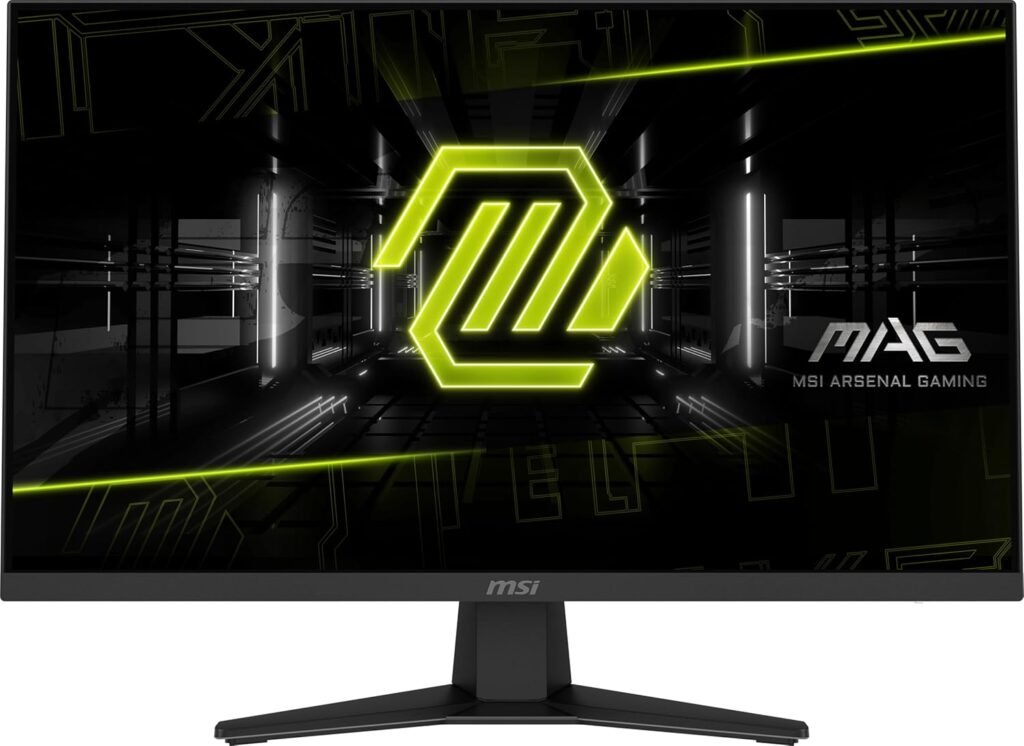
The “IPS Black” Reality (Or Lack of It)
Let’s be clear: MSI MAG274QRF-QD does NOT use IPS Black.
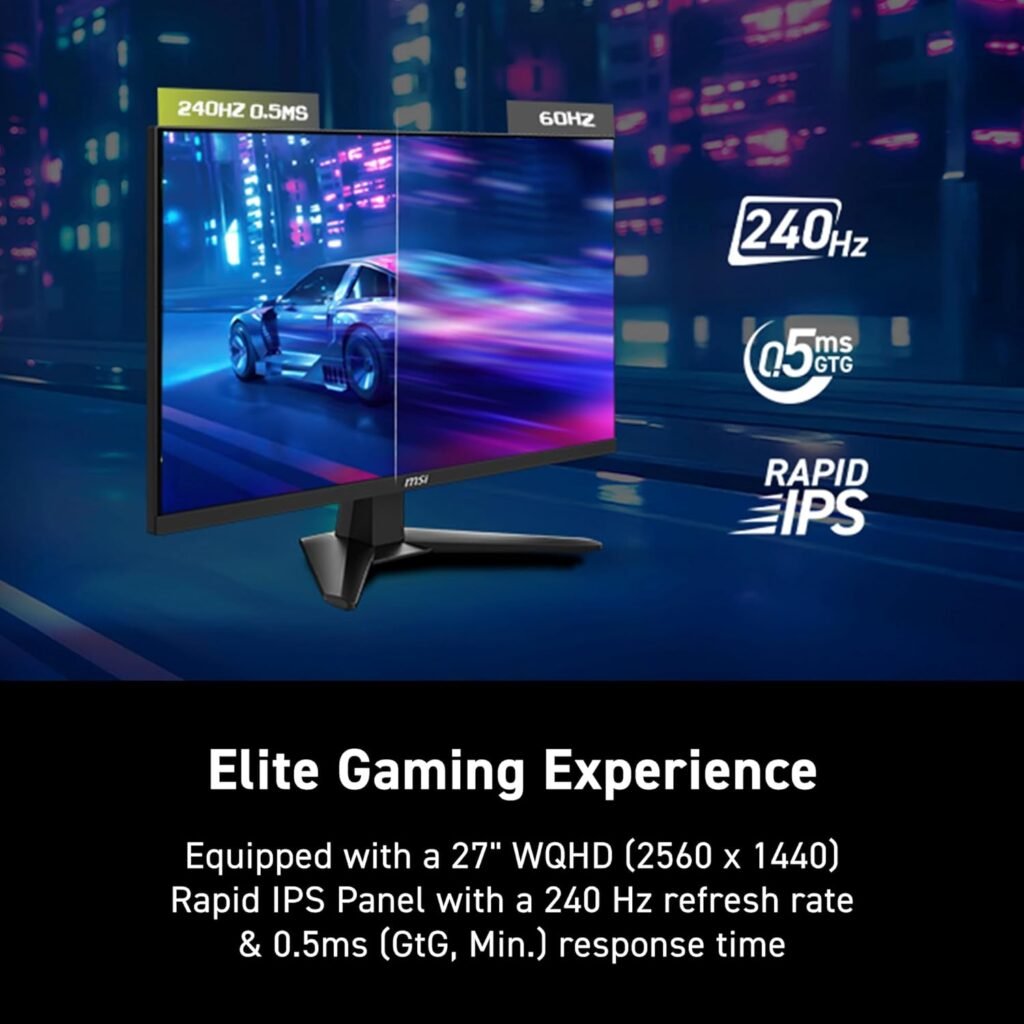
Instead, MSI MAG274QRF-QD uses a Rapid IPS panel with Quantum Dot, which focuses on color volume, not contrast.
What makes the MSI MAG274QRF-QD stand out immediately is how aggressively it targets users who refuse to choose between performance and visual quality. In a market where most monitors lean heavily toward either gaming speed or color accuracy, MSI pushes a hybrid approach—pairing a high refresh rate panel with Quantum Dot enhancement. This makes it particularly appealing for users building a modern, minimalist desk setup where one display needs to handle everything from competitive gaming to creative workflows without compromise.
So how are the blacks?
- Native contrast ratio: ~1000:1
- In real usage: blacks look more like dark grey in low-light rooms
Compared to IPS Black (2000:1), this is a noticeable downgrade.
But here’s the twist…
Where it loses in contrast, it destroys the competition in color:
- Up to 147% sRGB / ~97% DCI-P3
- Extremely wide gamut thanks to Quantum Dot
- One of the widest color gamuts ever measured
For photo editing?
- ✅ The MSI MAG274QRF-QD is great for vibrant, colorful work (YouTube, social media, branding)
- ⚠️ Not ideal for precise color work without calibration (oversaturation issue)
👉 If your goal is a clean, aesthetic setup for creative work, check how it fits into a minimalist desk here:
https://mysetupcraft.com/best-desk-setup/
Design & Connectivity
This is where the MSI MAG274QRF-QD shows its gaming DNA—but with some productivity crossover.
Build & Design
- Subtle gaming look (RGB on the back, but not aggressive)
- Fully adjustable stand (height, tilt, swivel, pivot)
- Thin bezels → great for dual setups
The “Hub” Experience (Reality Check)
Unlike Dell UltraSharp monitors, this is NOT a true USB-C hub monitor.
You do get:
- USB-C (DisplayPort Alt Mode)
- USB-A ports (basic hub)
But:
- ❌ Only 15W charging (not enough for laptops)
- ❌ No Ethernet port
- ❌ Not a one-cable workstation solution
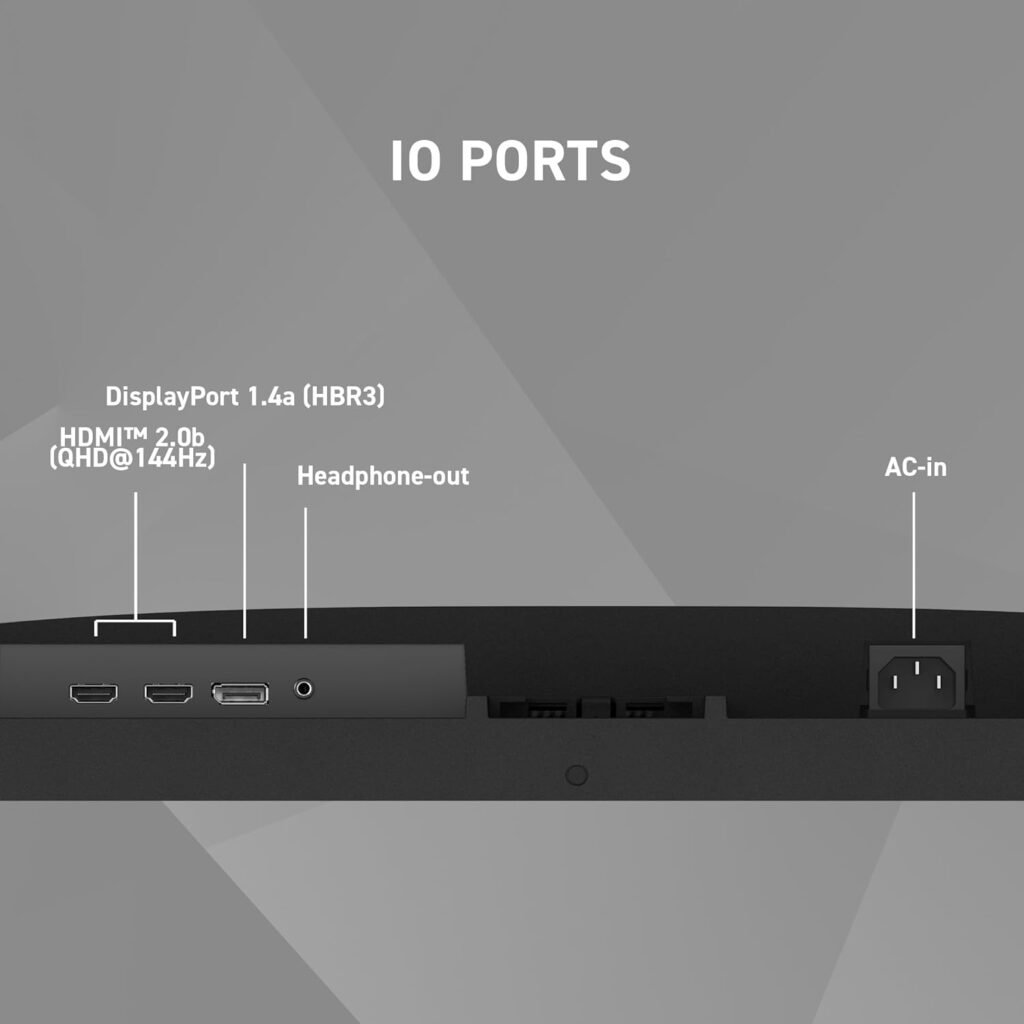
This is a gaming monitor with some convenience features, not a full productivity hub.
In practice, this means your cable management won’t reach the same level of simplicity as a true USB-C hub monitor. You’ll likely still need a separate dock or charger if you’re using a laptop as your main machine. However, for desktop users—or anyone running a dedicated gaming rig—this limitation becomes far less relevant. The included USB ports still add convenience for peripherals, but the experience remains clearly optimized for performance setups rather than clean, single-cable workstations
Real-World Performance
This is where the MSI MAG274QRF-QD absolutely shines.
Gaming (This is its territory)
- 165Hz refresh rate
- 1ms response time
- G-Sync Compatible + FreeSync
- Extremely low input lag
👉 Result:
Fast, smooth, competitive gameplay—perfect for FPS and esports.
Office Work & Coding
The MSI MAG274QRF-QD are surprisingly good:
- 1440p on 27″ = sharp + comfortable
- Excellent ergonomics
- Bright enough for daytime use
But:
- Not as sharp as 4K
- No single-cable workflow
Creative Work
This is where the MSI MAG274QRF-QD gets interesting:
- Massive color gamut → amazing for creative visuals
- Great for:
- Content creation
- YouTube editing
- Branding/design work
But:
- Colors can look oversaturated out of the box
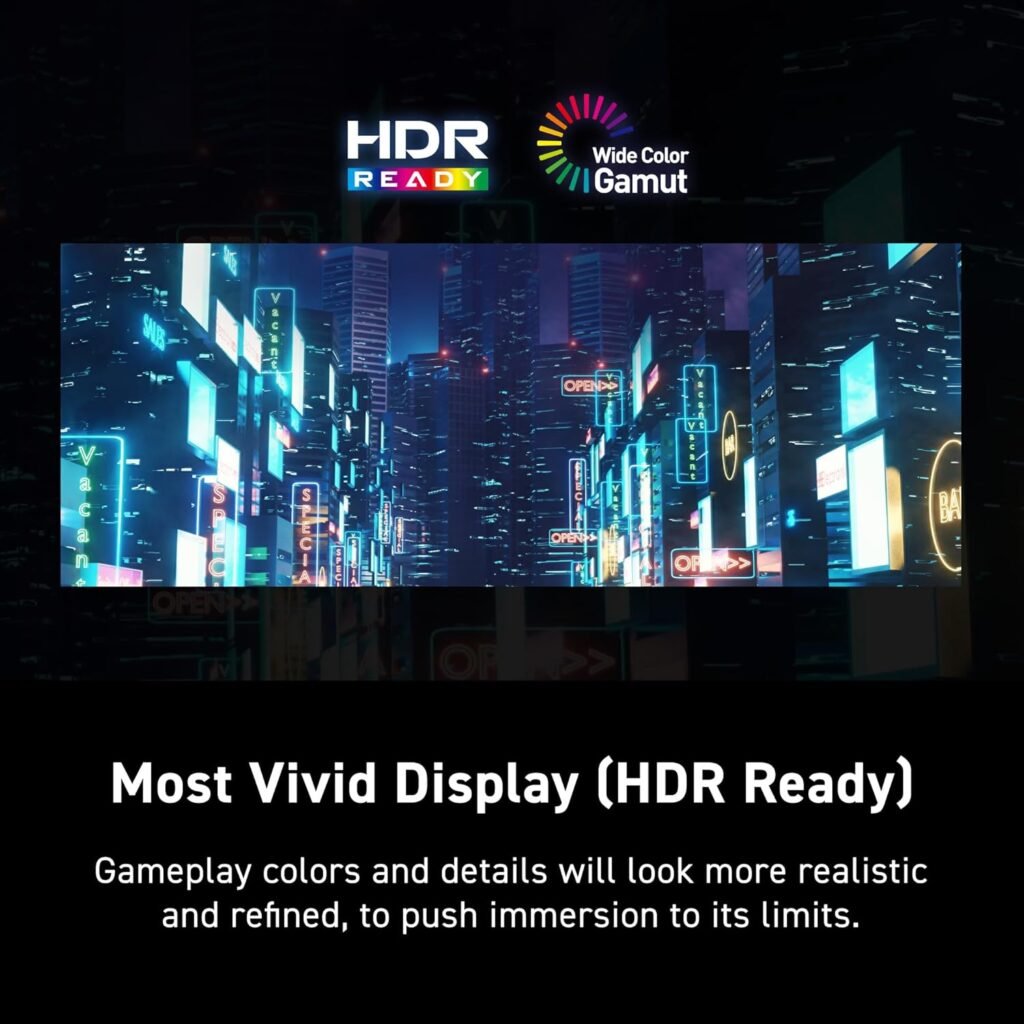
- HDR is weak (no local dimming, low contrast)
That said, once calibrated, the panel becomes significantly more balanced and usable for semi-professional work. Many users underestimate how much potential this display has after proper tuning—especially when working in controlled lighting environments. While it won’t replace a true reference monitor, it absolutely holds its ground for content creators who prioritize both fluid performance and rich, engaging visuals in their day-to-day workflow.
👉 It’s a creator-friendly gaming monitor, not a reference display.
Who Should Buy This?
✅ Perfect for:
- Gamers who want top-tier performance
- Hybrid users (gaming + creative work)
- People who love vibrant colors
⚠️ Not ideal for:
- Professional color grading
- MacBook users wanting one-cable setups
- Minimalist productivity-only users
If you’re building a hybrid setup, pairing it with a premium keyboard like this is a no-brainer:
👉 https://mysetupcraft.com/logitech-mx-keys-s/
Pros & Cons
✅ Pros
- 165Hz + ultra-fast response time
- Huge color gamut (Quantum Dot)
- Excellent for gaming + creative mix
- Great ergonomics
❌ Cons
- Weak contrast (no IPS Black)
- Colors oversaturated without calibration
- USB-C is limited (no real hub experience)
- HDR is basically unusable
Final Verdict
The MSI Optix MAG274QRF-QD is not trying to be a productivity king—it’s a performance-first monitor with creative perks.
It dominates in gaming and delivers stunning colors, but falls short in contrast and true workstation features.
If you want:
- 🎮 Speed → YES
- 🎨 Vibrant visuals → YES
- 💼 Clean productivity hub → NO