Introduction
If you’ve ever worked or gamed in a dark room, you already know the problem—harsh contrast between your screen and surroundings can destroy your eyes.
Eye strain, headaches, and fatigue quickly follow… and suddenly your “cool setup” isn’t so comfortable anymore.
That’s exactly where the Philips Hue Play Bars come in.
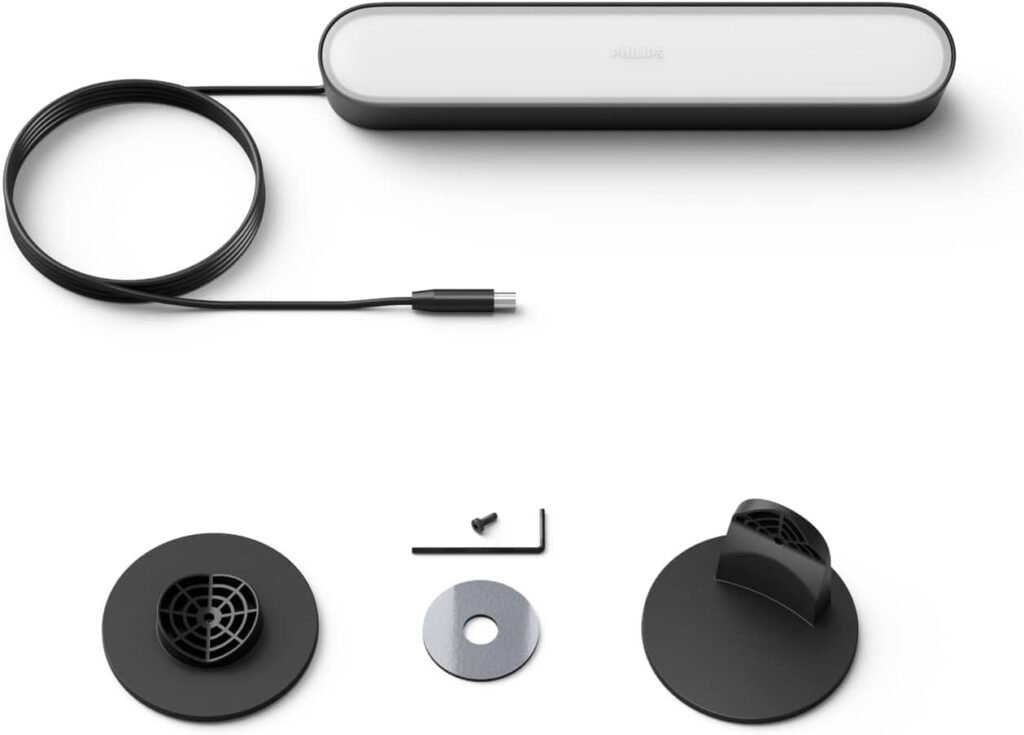
These compact yet powerful light bars are designed to transform your desk setup with immersive ambient lighting while reducing eye strain during long sessions.
But here’s the real question: Are Philips Hue Play Bars worth it for long hours and productivity?
Let’s find out.
Table of Contents
Quick Summary
✅ Who It’s For
- Gamers who want immersive lighting
- People working long hours at a screen
- Streamers and content creators
- Smart home enthusiasts
❌ Who It’s NOT For
- Budget buyers
- People who want simple plug-and-play lights
- Users who don’t want to use apps or hubs
Quick Specs Table
| Feature | Details |
|---|---|
| Price | ~$130–$200 |
| Best For | Ambient backlighting |
| Key Feature | Sync with screen content |
| Use Case | Gaming, work, entertainment |
| Material | High-quality plastic |
Key Features of Philips Hue Play Bars
🌈 Immersive Lighting for Long Hours Setup
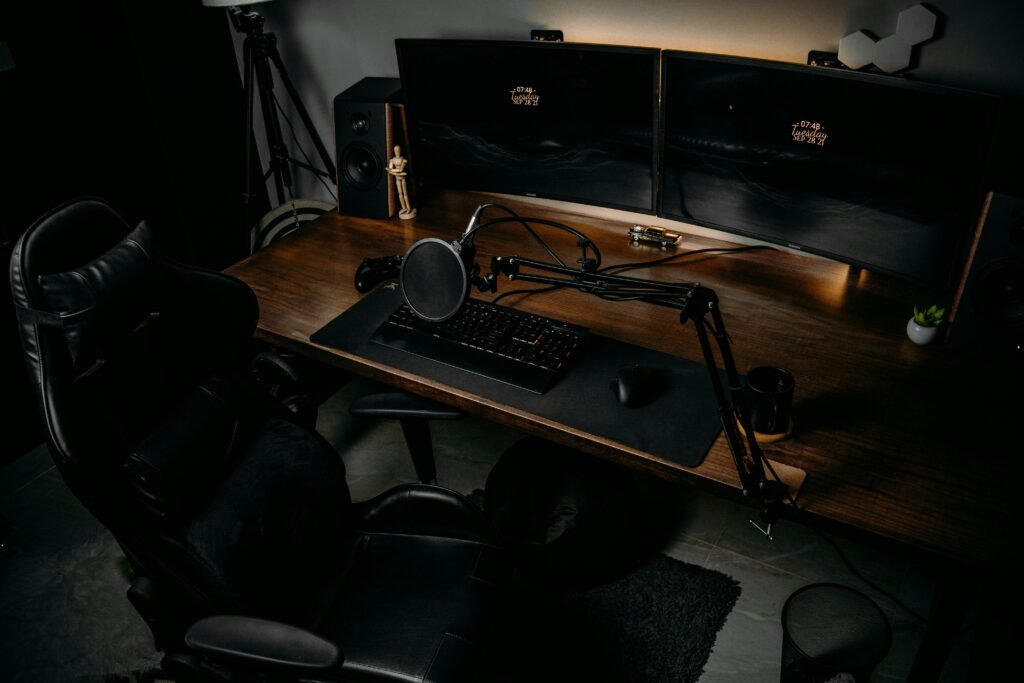
The Philips Hue Play Bars for long hours are designed to sit behind your monitor and create a soft glow that reduces harsh contrast.
This means:
- Less strain on your eyes
- More comfortable night sessions
- Better focus
👉 Perfect for gamers and professionals alike.
👁️ Philips Hue Play Bars for Eye Strain Relief
If you suffer from eye fatigue, this is a game changer.
The Philips Hue Play Bars for eye strain:
- Reduce brightness contrast
- Provide indirect lighting
- Create balanced visual environments
👉 Result: Longer sessions with less discomfort.
🎮 Sync with Screen & Music
This is where Hue dominates.
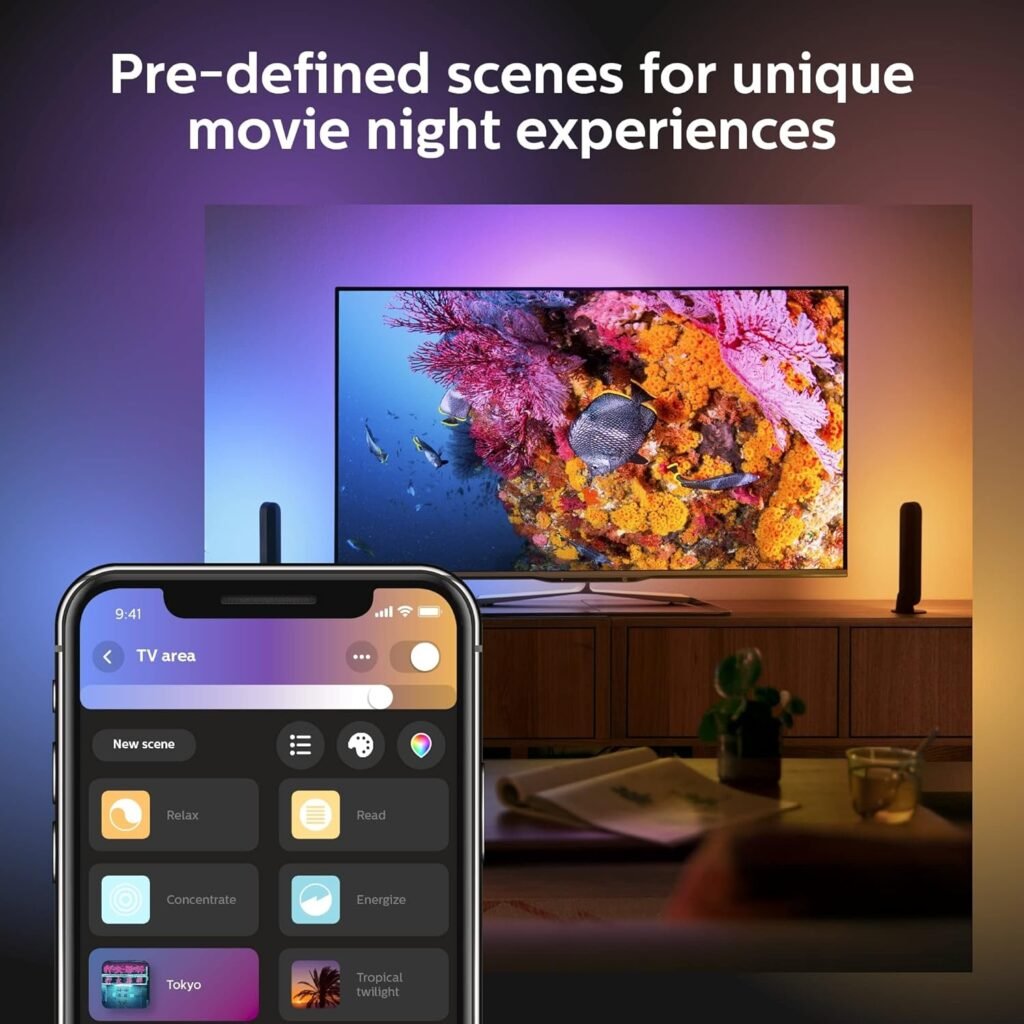
With Hue Sync:
- Lights react to your screen
- Colors match your game or movie
- Music sync creates immersive vibes
👉 Your setup becomes alive.
📱 Smart Ecosystem Integration
The Hue ecosystem allows:
- App control
- Voice assistants
- Automation
👉 You can sync lights across your entire room.
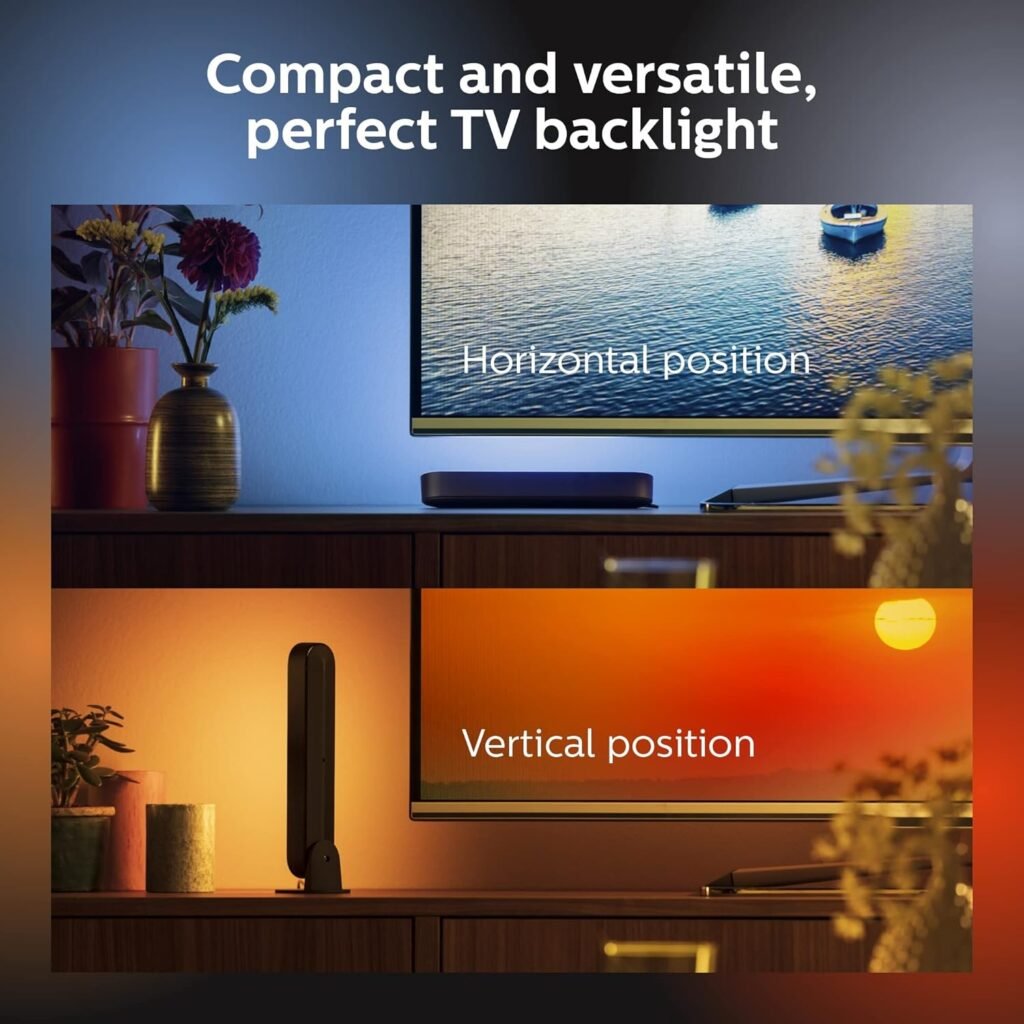
🔧 Flexible Placement Options
You can:
- Mount behind monitor
- Place vertically
- Lay horizontally
👉 Total customization for your setup.
Build Quality
Philips is known for quality—and it shows.
- Durable materials
- Clean finish
- Reliable performance
👉 These lights feel premium and long-lasting.
Daily Productivity Impact
Lighting directly impacts how you feel.
With Hue Play Bars:
- Your setup feels immersive
- You stay focused longer
- Less eye fatigue during work
👉 It’s not just aesthetics—it’s performance.
Comfort Over Time
After hours of use:
- No harsh glare
- Balanced lighting
- Comfortable viewing
👉 Ideal for long sessions.
Flexibility of Use
These lights are not limited to desks.
Use them for:
- TV backlighting
- Room ambiance
- Gaming setups
👉 Multi-purpose lighting solution.
Long-Term Durability
- Reliable LEDs
- Strong ecosystem support
- Long lifespan
👉 Built to last for years.
Real Experience (Day-by-Day)
📅 Day 1
You install them and instantly notice:
- Setup looks premium
- Lighting feels immersive
👉 First reaction: “This changes everything.”
📅 Day 3
Now the benefits show:
- Less eye strain
- Better night sessions
- More enjoyable setup
👉 You start relying on them daily.
📅 Day 5+
At this point:
- You can’t go back to no backlighting
- Your setup feels incomplete without it
- Productivity improves
👉 It becomes essential.
Comfort & Ergonomics – Philips Hue Play Bars for Long Hours
When it comes to Philips Hue Play Bars for long hours eye strain, ergonomics is key.
Here’s why they work:
- Indirect light reduces glare
- Even distribution behind screen
- Adjustable brightness
👉 Benefits:
- Reduced eye fatigue
- Better posture (less squinting)
- Comfortable long sessions
Philips Hue Play Bars vs Govee Light Bars
Let’s compare Philips Hue Play Bars vs Govee Light Bars.
Philips Hue Play Bars
- Premium ecosystem
- Better sync features
- Higher price
- More reliable
Govee Light Bars
- Cheaper
- Good RGB effects
- Limited ecosystem
👉 Verdict:
- Choose Hue for premium experience
- Choose Govee for budget setups
Pros and Cons
✅ Pros
- Excellent eye strain reduction
- Immersive lighting effects
- Smart ecosystem integration
- Flexible placement
- Premium quality
❌ Cons
- Expensive
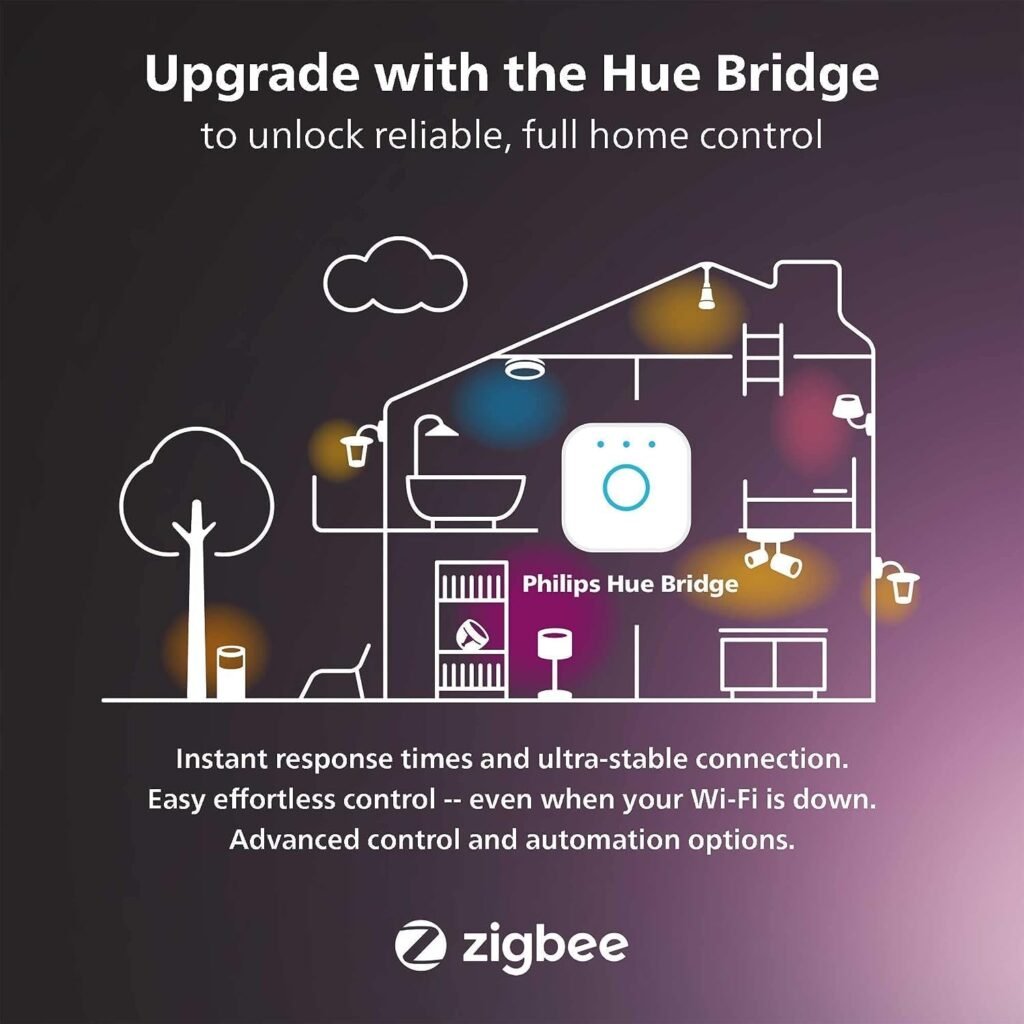
- Requires Hue Bridge for full features
- Setup can be complex
🔗 Improve Your Desk Setup
Want to see real setups using lighting like this?
👉 Check here: Desk Setup Reviews
Need inspiration for your dream setup?
👉 Explore ideas: Desk Setup Ideas
Want to know what gear actually works?
👉 See full setups: My Desk Setup Gear
Looking for the best deals?
👉 Save money here: Best Desk Setup Deals
Is It Worth It?
YES — If:
- You work or game long hours
- You want immersive lighting
- You care about eye comfort
NO — If:
- You want a cheap solution
- You don’t need smart features
👉 Final answer:
The Philips Hue Play Bars are absolutely worth it if you want premium lighting and comfort.
FAQ (SEO GOLD)
Is Philips Hue Play Bars good for long hours?
Yes, they reduce eye strain and improve comfort during long sessions.
Is Philips Hue Play Bars worth it?
Yes, especially if you value premium features and ecosystem integration.
Is it good for eye strain?
Yes, indirect lighting significantly reduces eye fatigue.
Is it better than Govee Light Bars?
Yes in quality and ecosystem, but Govee is more affordable.
Final Verdict
The Philips Hue Play Bars are one of the best upgrades you can make to your desk setup.
They combine comfort, immersion, and premium quality into one powerful lighting solution.
⭐ Rating
- Comfort: ⭐⭐⭐⭐⭐ (5/5)
- Ergonomics: ⭐⭐⭐⭐⭐ (5/5)
- Build Quality: ⭐⭐⭐⭐⭐ (5/5)
- Value: ⭐⭐⭐⭐☆ (4/5)
💡 Bottom line:
If you want next-level lighting, this is a must-have upgrade for your setup.